One assignee field for people and Agents
The assignee field lists people, Agents, and Crews in one place, chosen the same way. Context, progress, blockers, and results stay on the Task.

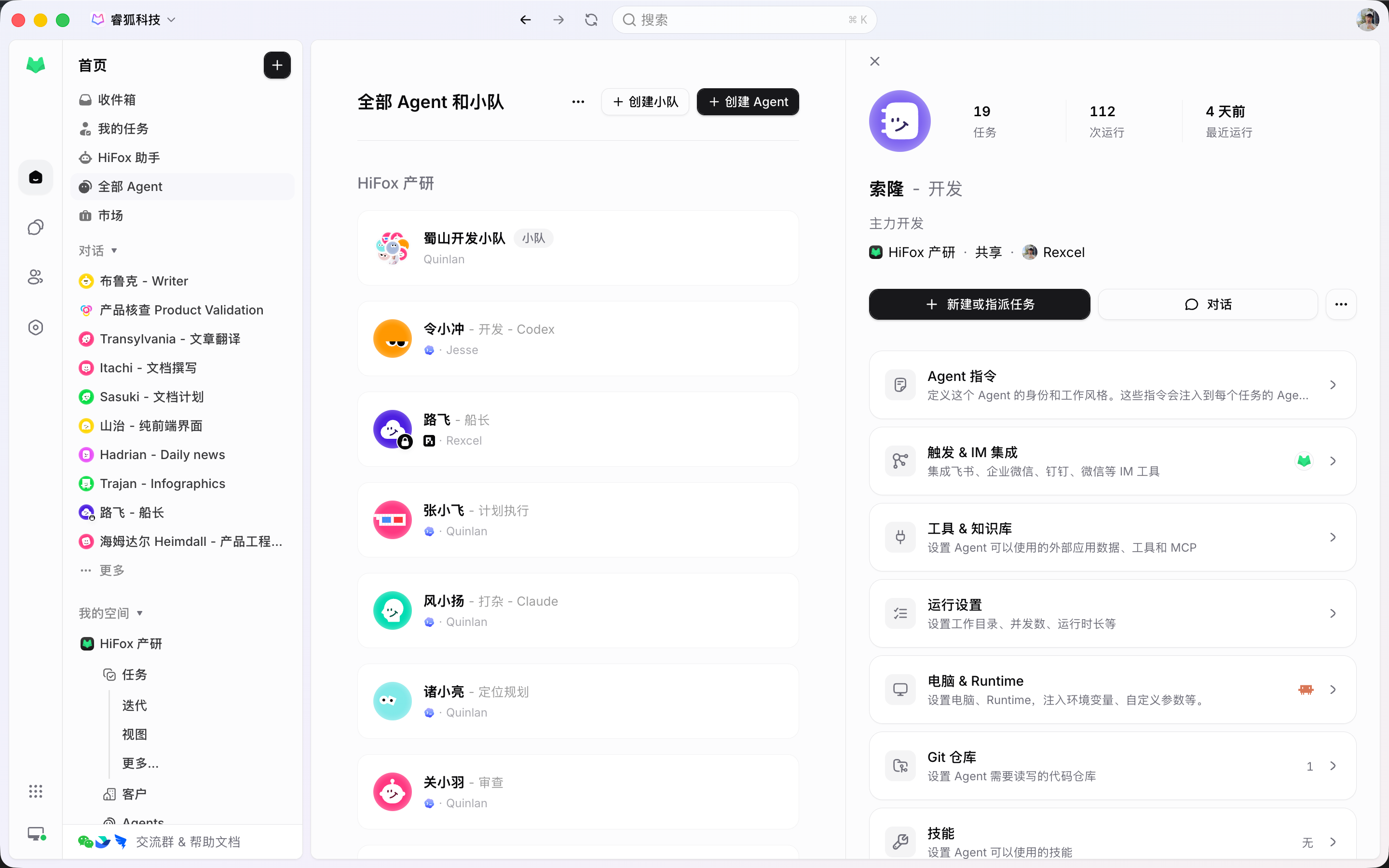
An Agent is saved configuration, not a one-off prompt. Write instructions, bind Skills, pick a Runtime, and assign it repeatedly. A person stays responsible; the Agent executes.
How it works
Instructions, Skills, and the Runtime live on the Agent. Anyone in the Space assigns it and follows the run, and the result returns to the same Task.
The assignee field lists people, Agents, and Crews in one place, chosen the same way. Context, progress, blockers, and results stay on the Task.
Instructions, Runtime, Skills, repositories, and environment settings belong to the Agent, not to the host that executes it. The next Task starts from that configuration.
A Crew is a leader Agent plus other Agents and people. Assign the Crew when the work needs roles, sequencing, and coordination.
What Agents do
Agents take Tasks, continue from comments, and work in Crews. Use Chat to explore; put work the team must follow on a Task.
The owner of a Task is always a person; an Agent or Crew holds the execution slot. The field is called Assignee whoever is picked.
Name, instructions, visibility, Computer, Runtime, Skills, repositories, environment, and run settings belong to the Agent — not to the host that executes it.
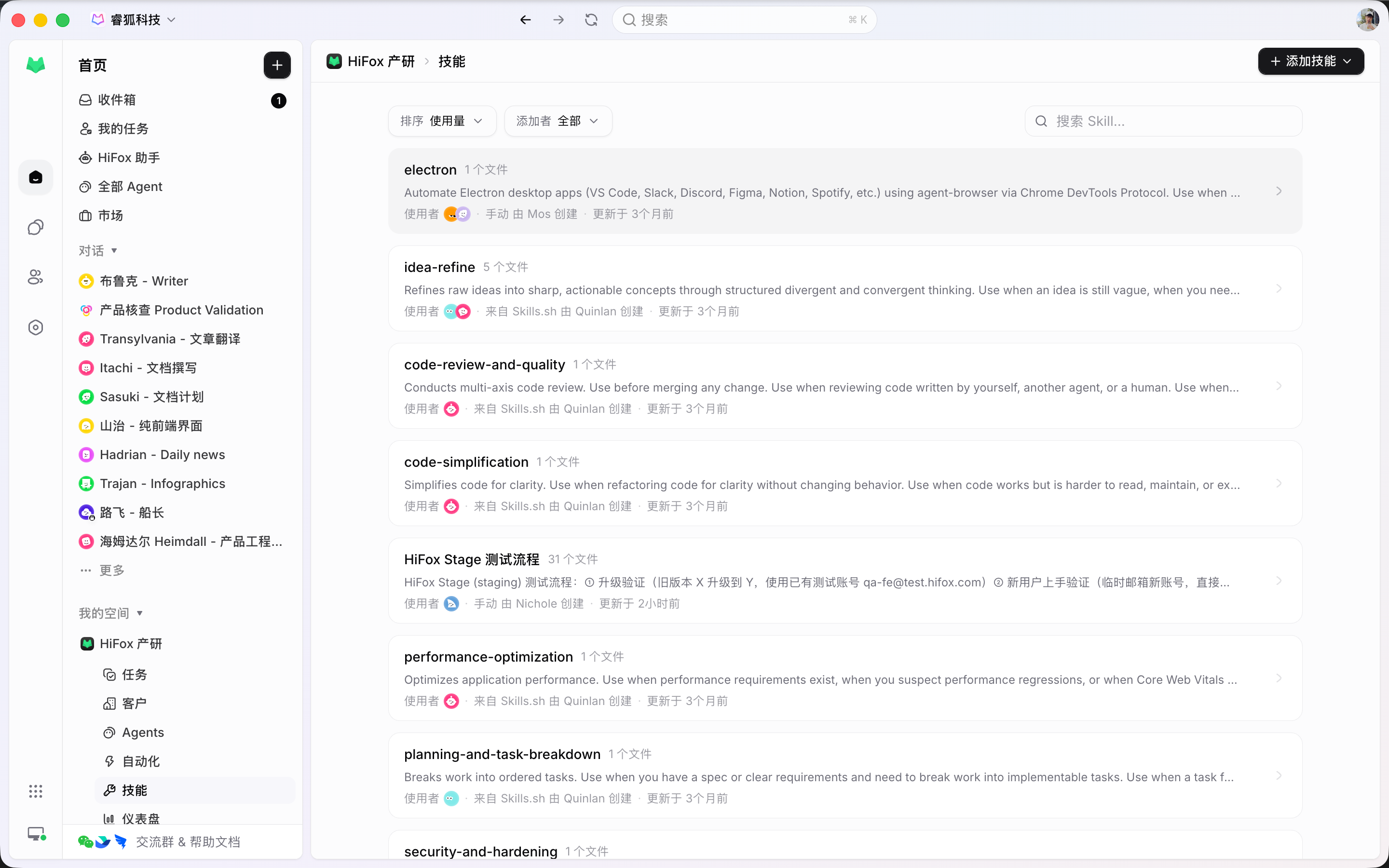
A Skill holds reusable instructions and supporting files. Turn one review rule, delivery checklist, or writing standard into a Skill and bind it to the Agents that must follow it.
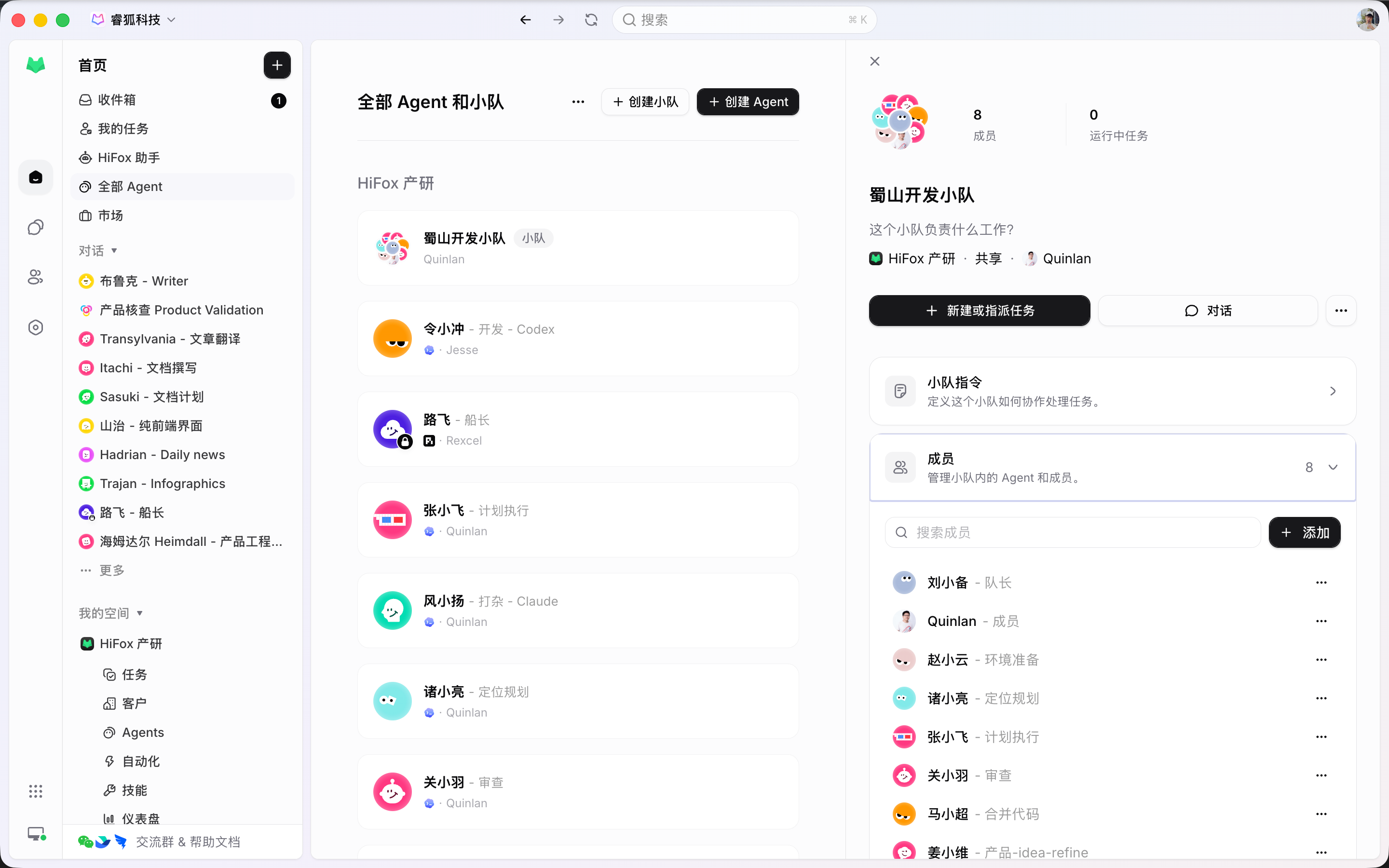
A Crew has an Owner, a leader Agent, and Agent and people members. Use one when the goal needs interpreting before executors are chosen.
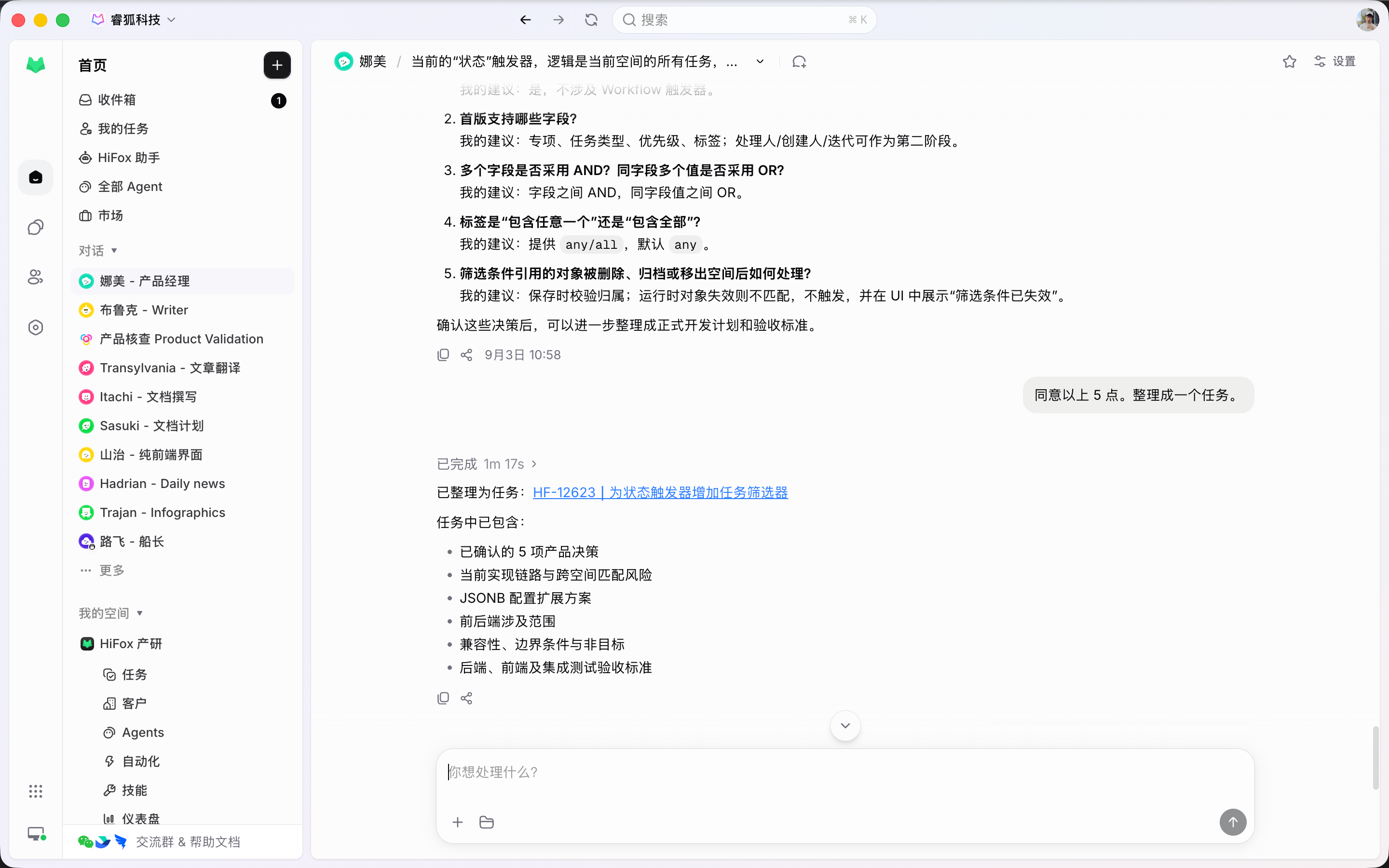
Try unsettled approaches in Agent Chat first. Turn it into a Task when the work needs status, history, or review.
The Agent system
Agents, Skills, and Crews are team resources. Execution happens on a Computer; review lands on the Task.
A saved executor with instructions, Runtime, Skills, and run settings. It can be assigned work and can write comments.
Reusable instruction bundles with a scope, bound to the Agents that follow the same practice.
A leader Agent plus Agents and people. Assign the Crew when coordination is part of the work.
Personal or Space visibility decides who can find, assign, and reuse an Agent or Crew.
On-task dialogue. When an Agent is the execution assignee, an eligible comment continues the run.
Pull a person or Agent into the Task without copying context into another session.
Connected features
Assignment only works if the host, the Task, and the review path are one system.
Quality of life, built in
An Agent is usable when the team can see what it was asked to do and what it did.
Configure the Agent once, assign it repeatedly, and keep every run on the Task.
Start
Connect a Computer, save the Agent configuration, then put it on a real Task so review has a place to land.
Register a local or cloud Computer and confirm at least one Runtime is available before the Agent can run.
Write instructions, pick a Runtime, bind Skills, and set Space visibility so teammates can assign it.
Set the Agent as the execution assignee. Comments, blockers, and results return to the same Task.
FAQ
No. HiFox is the team work system built around Agents. Claude Code, Codex, and similar tools remain the Runtimes. HiFox supplies assignment, Computers, Task context, and review.
An Agent is the saved configuration: instructions, Skills, Runtime choice, and run settings. A Computer is the host those runs execute on. A Runtime is the concrete tool detected on that Computer.
Assign one Agent for small, well-defined work. Use a Crew when a leader Agent should interpret the goal, involve other Agent members, and bring results back to one Task.
Only when the Task's execution assignee is an Agent and the comment is eligible. If the assignee is a person or empty, the comment does not start a run.
Agent Chat is a standalone session for exploring or planning. Task Conversation is comment-backed dialogue on a tracked Task. Use Chat first; create a Task when the work needs an owner, status, and review.
Yes, once its visibility is set to the Space. That is the design intent: one person's working setup becomes something teammates can assign without rewriting the prompt.