Write work that can be handed over
Title the outcome. Put scope, constraints, and acceptance criteria in the description. Status, priority, dates, type, and custom fields travel with the Task.

A Task is the complete record of one piece of work: which Space owns it, which Project it sits in, who it is assigned to. Responsibility and execution are written in the same place.
How it works
Private sessions lose context. A Task keeps the goal, the people responsible, the Agent that executed, and the comments that followed on one record.
Title the outcome. Put scope, constraints, and acceptance criteria in the description. Status, priority, dates, type, and custom fields travel with the Task.
People carry responsibility, an Agent or Crew carries execution. Both are set in the Assignee field.
Comments are the discussion record. Activity logs status changes. An Agent trace opens from the comment that produced it.
Task Workflow
A Task is not a scratch note. Assignment, comments, Workflow, Projects, and Agent runs all meet here.
Title, description, type, status, priority, dates, assignees, Project, labels, and custom fields, plus comments and history.
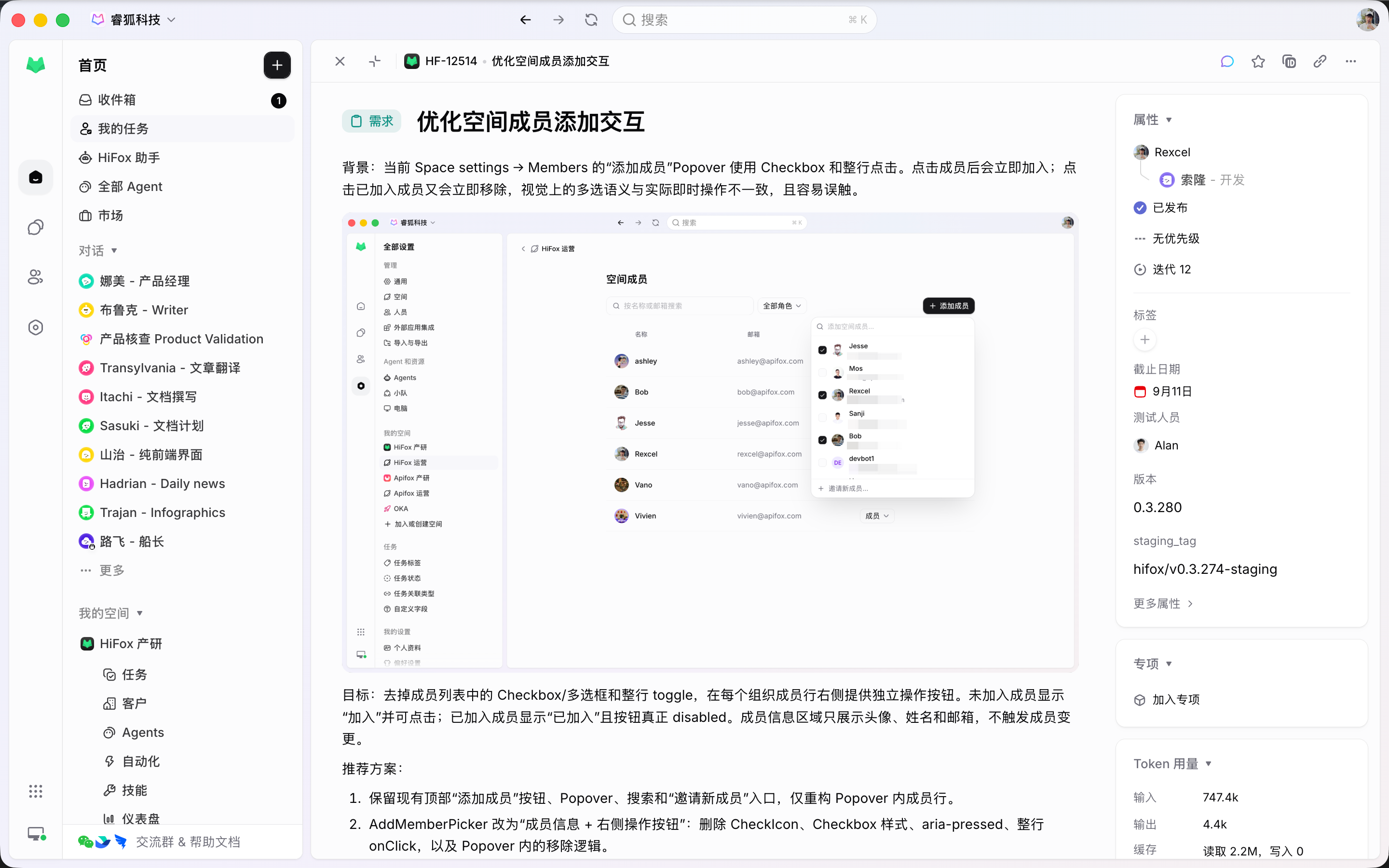
A Task can have several responsible people. When something should run, an Agent or Crew takes the execution slot.
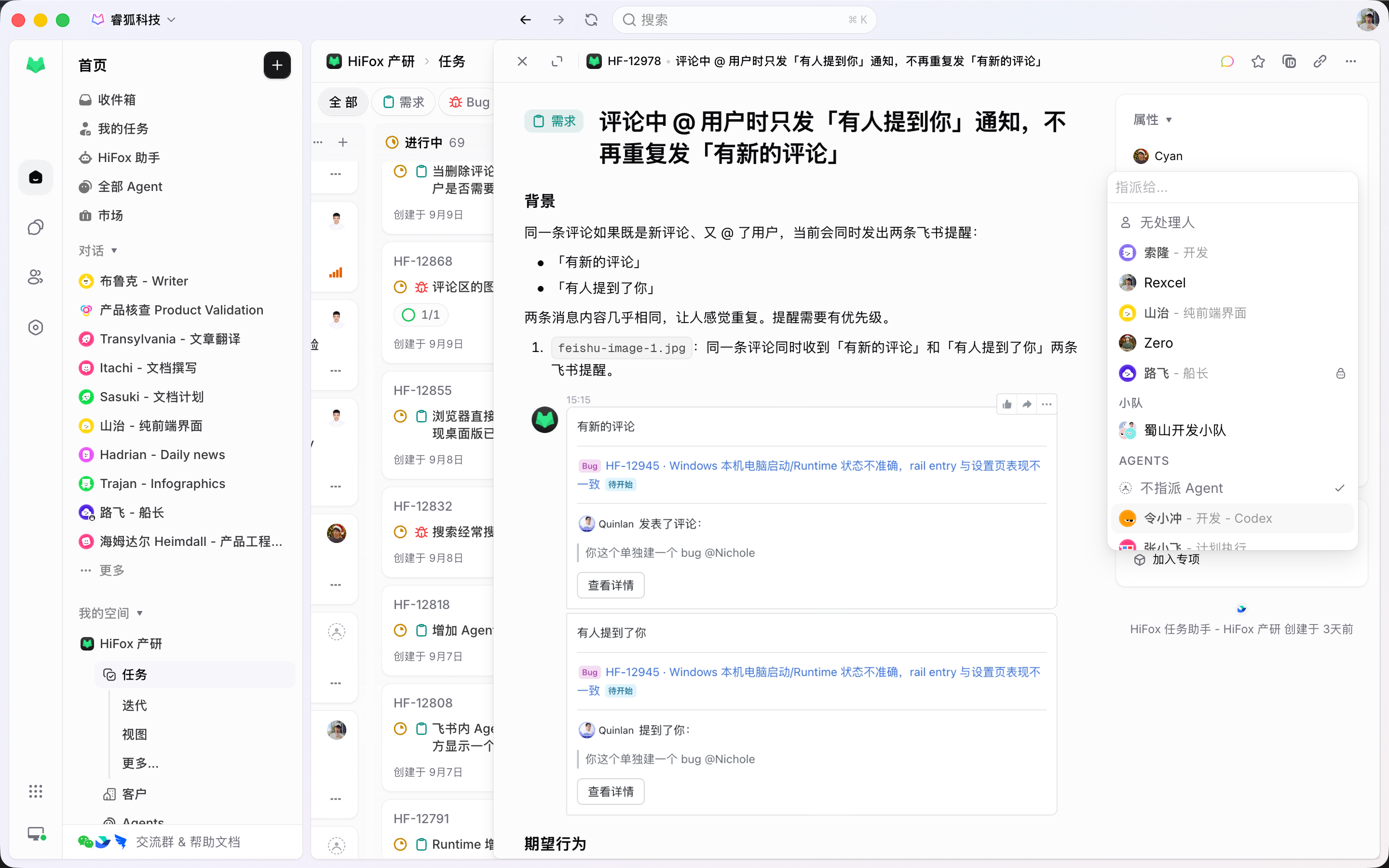
A Bug, a Feature, and a Chore do not need the same form. Each task type binds its own fields and a bounded set of statuses.
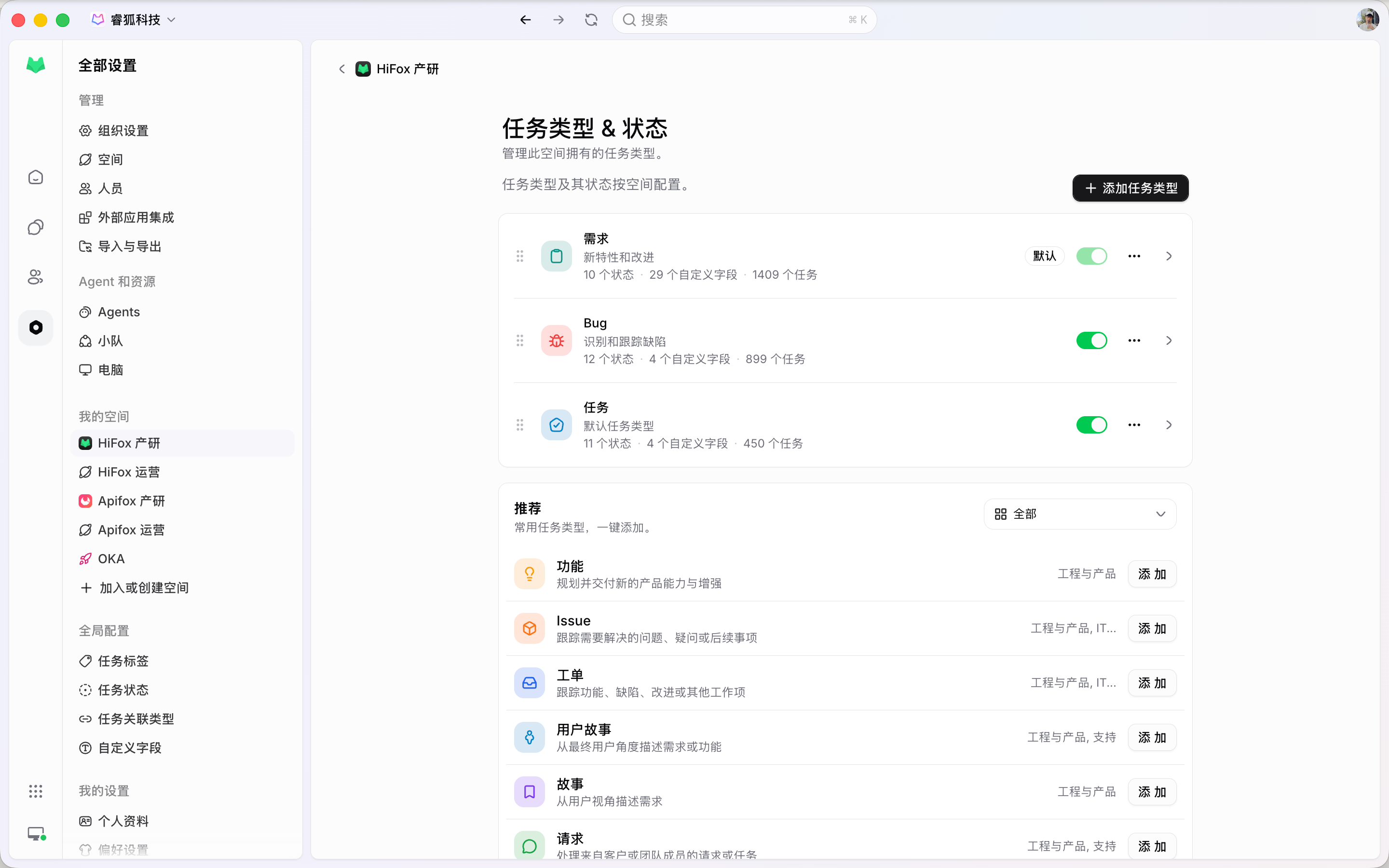
Stay on the Task and work with an Agent in a comment. Reply, trace, and result all stay on that record.
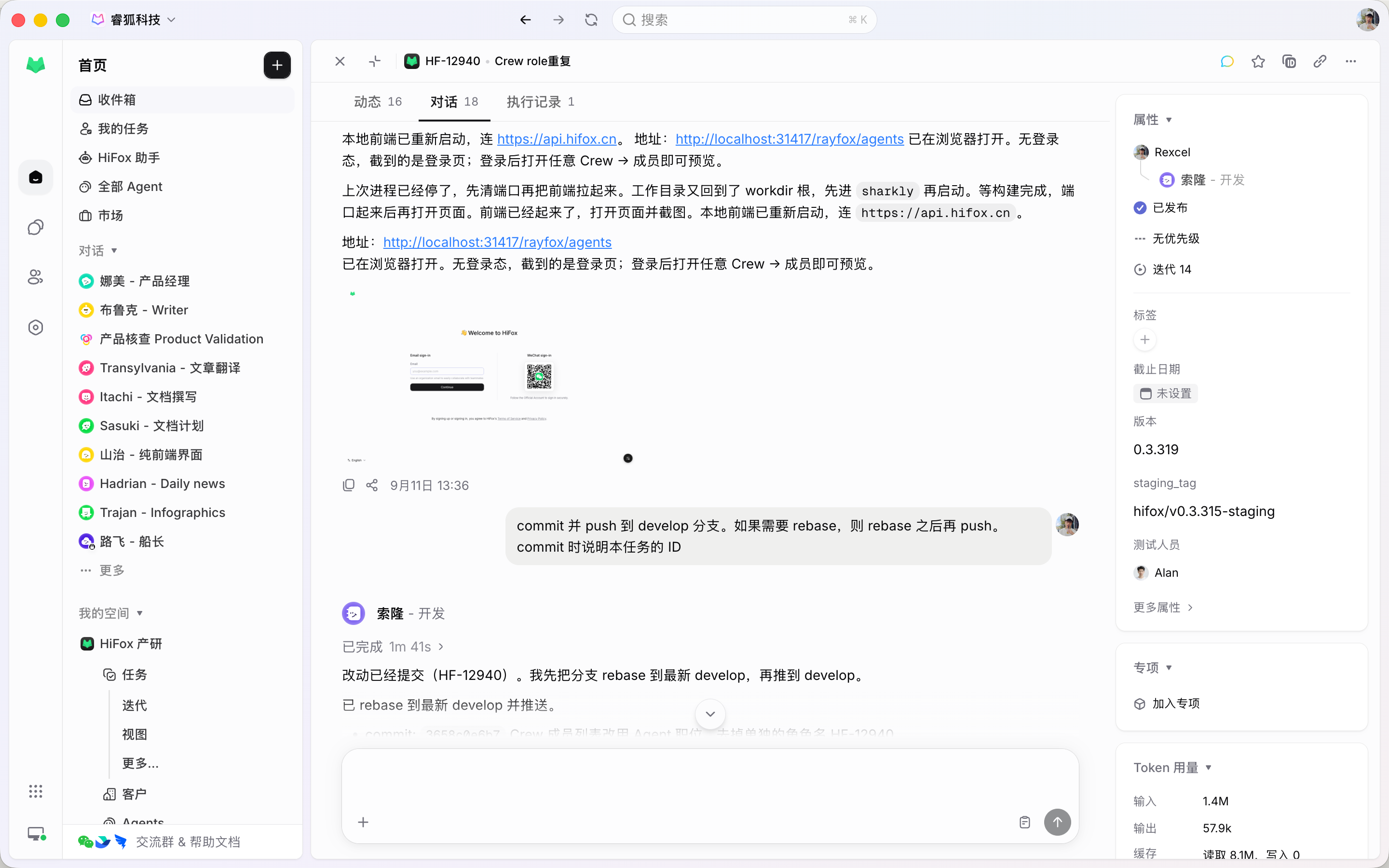
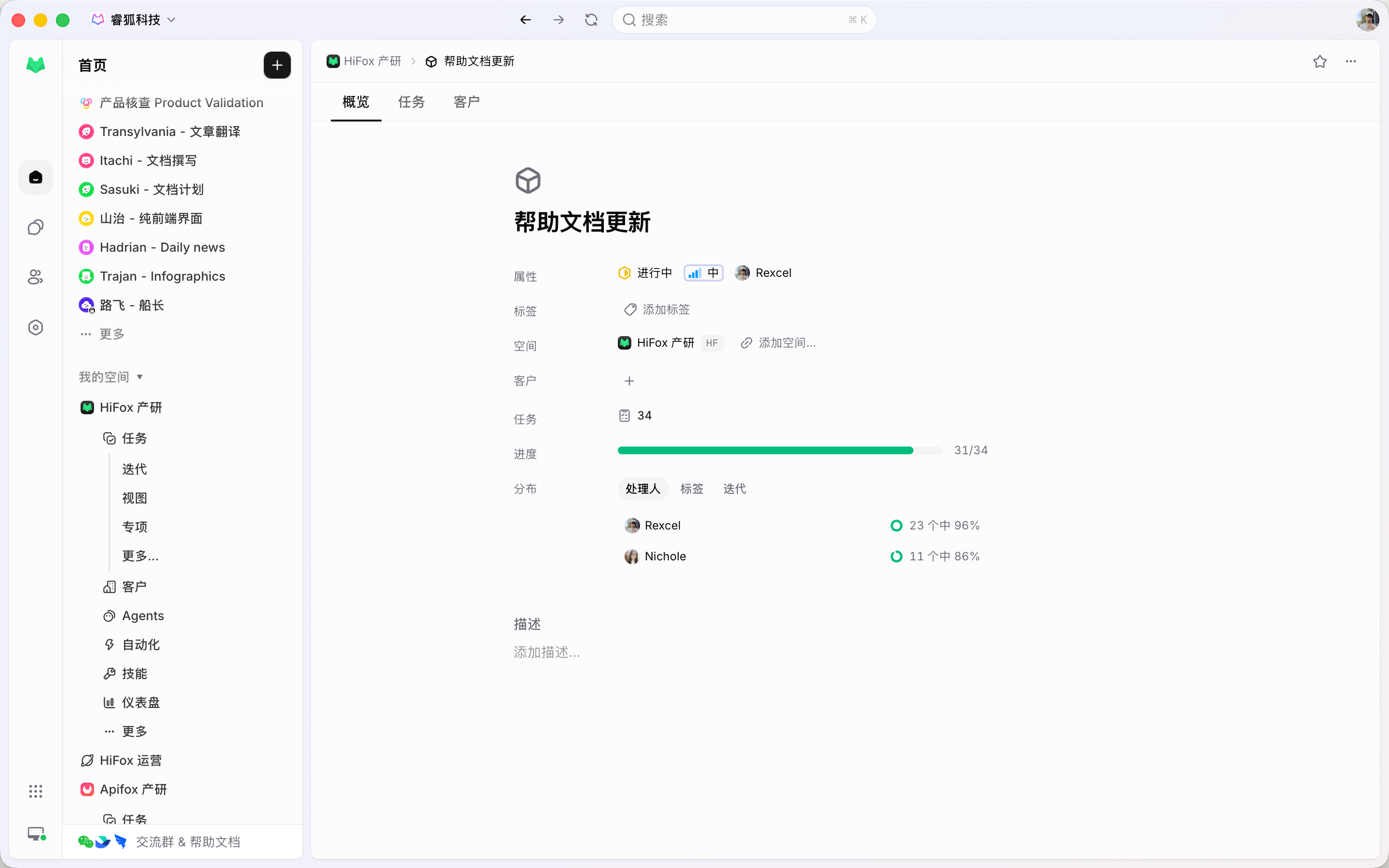
A Project is the larger goal. People, Agents, comments, and runs stay on the Tasks; the Project gives them one outcome, owner, and progress.
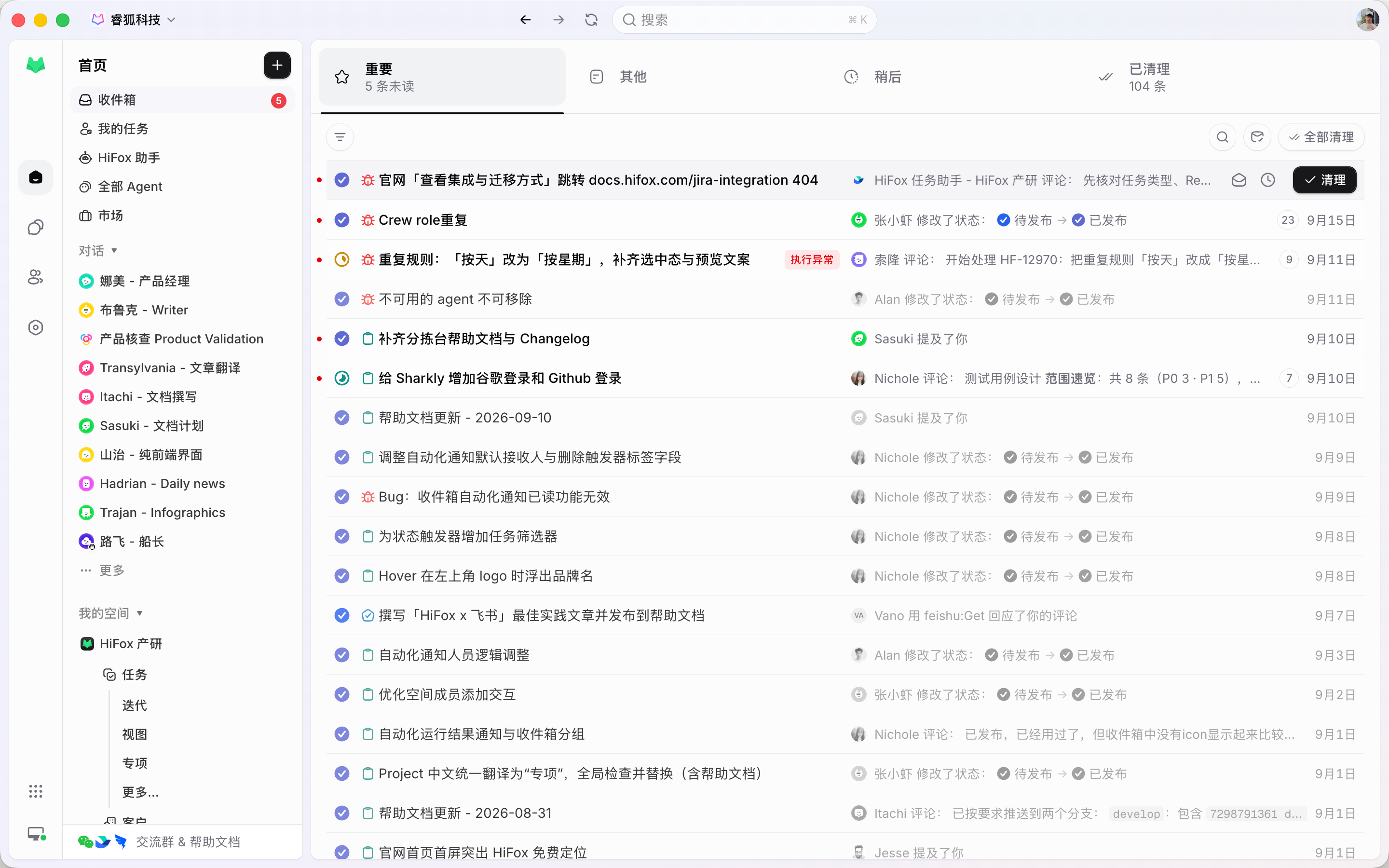
Inbox is a personal activity queue grouped by Task. Opening a row opens that Task.
The Task system
A field, a comment, or a run that cannot attach to the Task is not part of the work system yet.
The complete record of one piece of work: goal, type, status, assignees, execution, and history.
People for responsibility, Agent or Crew for execution. One field for every handler type.
Space-owned classification bound to its own fields and statuses.
On-task dialogue with the Agent. Eligible comments start or continue a run.
Optional grouping that puts related Tasks under one outcome and owner.
A personal queue of Task activity. Snoozing or clearing it leaves the Task unchanged.
Connected features
Plan, Triage, Agents, and Automations all write back to the same Task.
Quality of life, built in
Discussion and execution attach to the Task, so the work stays inspectable and reviewable.
Write the outcome, assign people and an Agent, and keep the discussion on the record.
Start
Pick a Space, set the task type, assign a person and an Agent, and review in the comments.
Name the outcome, give the person or Agent enough context, and choose the task type that owns the Workflow.
Add a person as assignee for responsibility. Assign an Agent or Crew when the work should actually run.
Follow-ups go in the comments. An eligible comment continues the Agent, and the result returns to the same Task.
FAQ
Yes. People are the human assignees; an Agent or Crew is the execution assignee. Both are set in the Assignee field.
Put acceptance criteria in the description. Use comments for decisions and follow-ups as the work proceeds.
No. Triage is a Space intake queue for accept, decline, mark duplicate, or snooze. Inbox is a personal queue of Task activity. Clearing Inbox does not change the Task.
No. An Automation starts an Agent or Crew run directly and keeps history on the Automation. Use a Task when the work needs an owner, status, and review.
Onto the Task: comments, activity, and the execution record. No one has to reconstruct what happened from a private session.
No. Every Task belongs to one Space and uses a task type defined in that Space.